
How to Fix Hair Clippers That Won’t Cut
There is nothing more frustrating than powering up your clippers, pressing them to your head, and having them pull, snag, or just glide over the hair without actually cutting. If you are searching for how to fix hair clippers that won’t cut, you are in the right place. I have diagnosed and fixed this problem dozens of times on my own clippers and on units friends have brought to me. In almost every case, the fix takes less than 15 minutes and costs nothing.
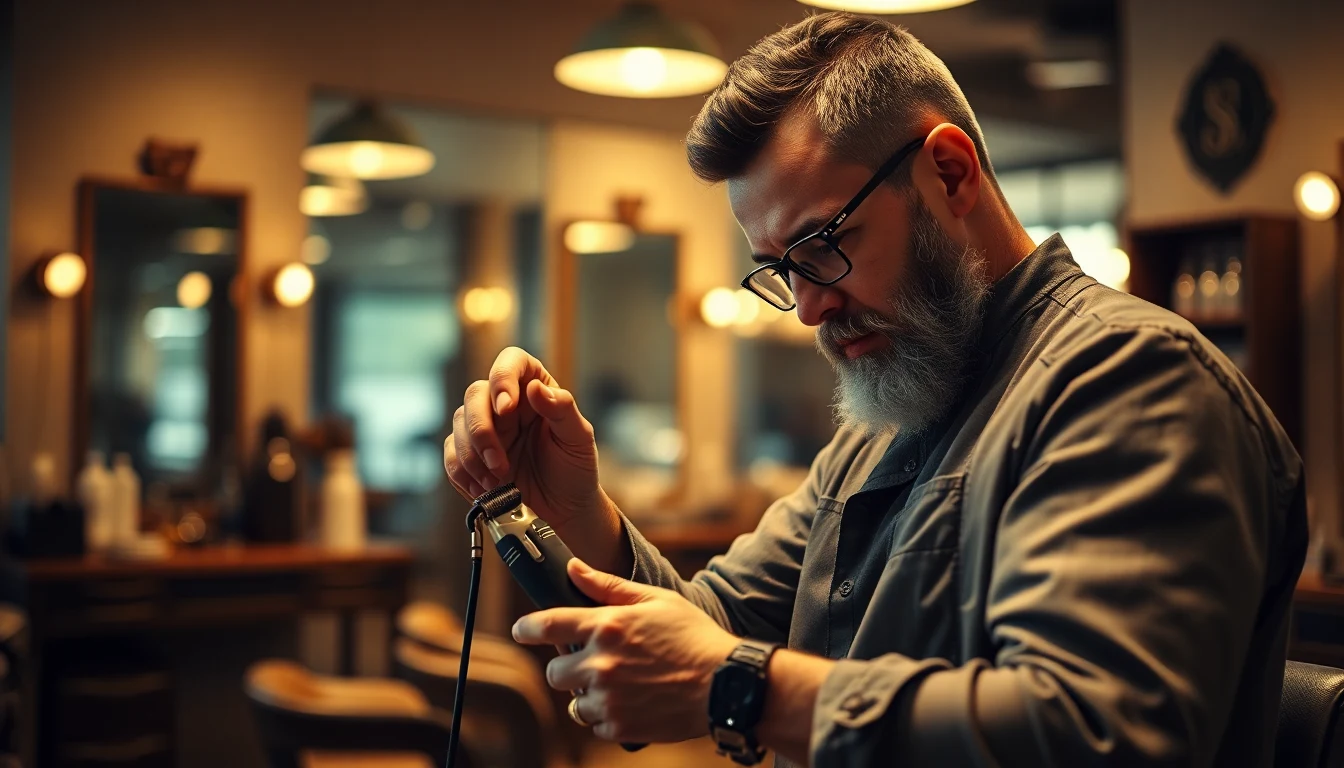
Why Hair Clippers Stop Cutting: How To Fix Hair Clippers
Before jumping into fixes, it helps to understand why clippers fail. The cutting action happens when two blades move past each other at high speed, shearing hair between them like tiny scissors. When that action breaks down, the cause is almost always one of these:
- Hair and debris buildup between the blades
- Blade misalignment so the cutting edges no longer meet properly
- Lack of lubrication creating friction instead of clean motion
- Dull or worn blades that have lost their cutting edge
- Motor or power issues reducing blade speed
- Incorrect blade tension leaving too much gap between blades
- Damaged blade teeth from drops or impacts
The good news: six of those seven causes are fixable at home. Let me walk you through each one.
Fix 1: Clean Out Hair and Debris Buildup
This is the number one reason clippers stop cutting, and it is the easiest to fix. Hair fragments, skin oils, and styling product residue pack between the blades over time. That buildup prevents the cutting blade from moving freely against the stationary blade, reducing cutting efficiency until it feels like the clippers are doing nothing at all.
How to Fix It
- Power off and unplug your clippers
- Remove the blade guard attachment
- Use the cleaning brush (included with most clippers) to brush downward through the blade teeth
- Toggle the blade lever fully up and down while brushing to expose hidden debris
- For heavy buildup, unscrew the blade assembly (usually two Phillips screws) and clean each blade individually
- Use an old toothbrush dipped in rubbing alcohol for stubborn, caked-on product residue
- Reassemble once everything is clean and dry
For a complete walkthrough with photos, check our dedicated guide on how to clean and oil clippers. If cleaning alone does not fix the problem, move to Fix 2.
Fix 2: Oil the Blades
Dry blades are slow blades. Without proper lubrication, friction between the cutting blade and the stationary blade increases dramatically. The motor has to work harder, the blades heat up, and cutting performance drops. I have seen clippers go from “broken” to perfect with nothing more than three drops of oil.
How to Fix It
- Apply 2 to 3 drops of Wahl Clipper Oil across the top of the blade teeth
- Add one drop on each side rail where the cutting blade slides against the stationary blade
- Turn the clippers on for 15 seconds to distribute the oil
- Wipe off any excess with a paper towel or cloth
You should be oiling your clippers before or after every single use. If you have been skipping this step, that is very likely the cause of your cutting problems. Andis Cool Care Plus 5-in-1 is a convenient alternative that disinfects and lubricates in one spray. Mastering how to fix hair clippers takes practice but delivers great results.
Fix 3: Realign the Blades
Blade alignment is the most commonly overlooked cause of poor cutting performance. If the cutting blade (the smaller, moving blade) is not positioned correctly relative to the stationary blade (the larger, fixed blade), the shearing action fails. Hair bends between the blades instead of being cut. Mastering how to fix hair clippers takes practice but delivers great results. (We recommend this Jack & Rose Clippers and Trimmers.)
How to Check Alignment
Hold the clippers at eye level and look at the blade teeth straight on:
- The cutting blade teeth should be about 1 to 2mm behind (recessed from) the stationary blade teeth
- The cutting blade should be parallel to the stationary blade, not tilted to one side
- No cutting blade teeth should extend past the stationary blade teeth (this is what causes nicks and cuts)
How to Fix It
- Loosen the two blade screws about one full turn (do not remove them completely)
- With the screws loose, the cutting blade can slide left, right, and forward/back
- Position the cutting blade so the teeth sit about 1mm behind the stationary blade
- Center the blade so the left and right gaps are equal
- While holding the blade in position, tighten one screw halfway
- Check alignment again, then tighten the second screw halfway
- Alternate between screws, tightening each a little at a time until both are snug
- Do not over-tighten. The blade needs to move freely
Blade misalignment happens from normal use, drops, or careless reassembly after cleaning. If you use your clippers regularly, check alignment once a month as part of your maintenance routine.
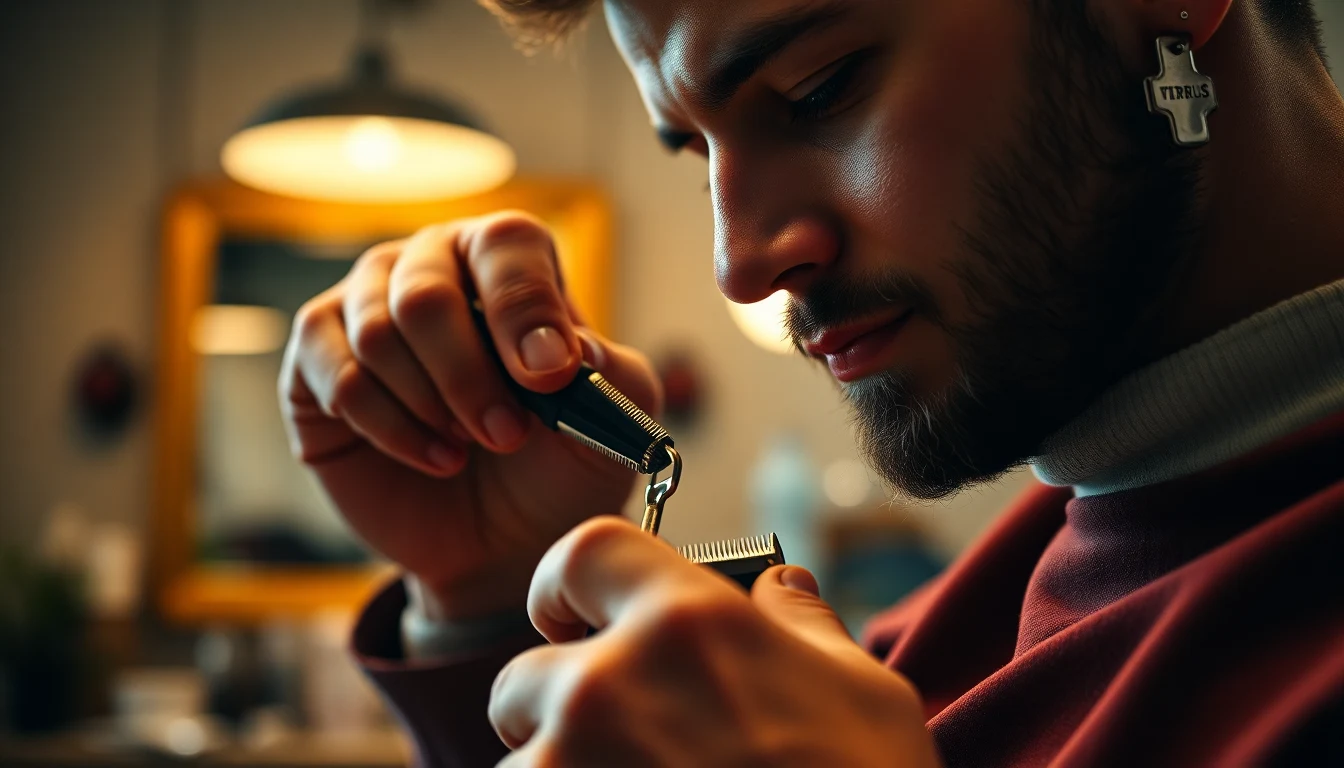
Fix 4: Adjust Blade Tension
Some clipper models (especially Oster and certain Wahl professional models) have an adjustable tension mechanism. This controls how tightly the cutting blade presses against the stationary blade. Too loose, and hair slips between the blades without being cut. Too tight, and the motor bogs down, the blades overheat, and cutting speed drops. (We recommend this Novah® Professional Hair Clippers for Men,.)
How to Fix It
- Locate the tension adjustment. On Oster Classic 76 models, it is a screw on the side or bottom of the clipper body. On Wahl clippers with a taper lever, the lever itself controls tension
- Start by tightening the tension slightly (clockwise, usually about a quarter turn)
- Test on a small section of hair
- If cutting improves, you found the problem. Fine-tune from there
- If cutting does not improve or the motor sounds strained, loosen back to the original position and try other fixes
The ideal tension allows the blade to move freely while maintaining full contact with the stationary blade. You should feel zero wobble when you press the cutting blade with your finger, but the blade should not resist when the motor drives it. For more guidance, American Academy of Dermatology provides expert resources on skin and hair care.
Fix 5: Check the Motor and Power Supply
If your clippers are running noticeably slower than when they were new, the problem might not be the blades at all. A weak motor or insufficient power reduces blade speed, and slow-moving blades cannot cut effectively.
For Corded Clippers
- Try a different outlet. Low voltage from a loaded circuit can reduce motor speed
- Check the cord for damage, kinks, or fraying near the plug and where it enters the clipper body
- If your clippers have a voltage switch (110/220), make sure it matches your outlet
For Cordless Clippers
- Charge the battery fully before testing. Cordless clippers lose cutting power as the battery drains
- If the battery no longer holds a charge or runs down in minutes, the battery may need replacing
- Some models have a boost or turbo mode. Engage it and see if cutting improves. If turbo mode works but normal mode does not, the motor is fine but the battery is weak
Motor failure is relatively rare in quality clippers. If you have ruled out the battery and power supply, and the motor still sounds sluggish, the clipper may need professional servicing or replacement. (We recommend this Novah Professional Hair Clippers for Men,.)
Fix 6: Replace Dull or Damaged Blades
If you have cleaned, oiled, aligned, and adjusted your blades and they still will not cut, the blades themselves may be worn out. All blades have a finite lifespan. The cutting edges gradually round off with use, and once they pass a certain point, no amount of maintenance restores them.
Signs Your Blades Need Replacing
- Visible chips, nicks, or missing teeth on the blade edges
- Hair folds or bends instead of being cut cleanly
- Clippers pull and snag even after cleaning and oiling
- You have been using the same blades for over 12 months (home use) or 3 to 6 months (professional use)
- Running your finger gently along the blade edge feels smooth instead of slightly sharp
Recommended Replacement Blades
Do not just buy the cheapest blade set you find. A quality blade makes a dramatic difference: Understanding how to fix hair clippers is key to a great grooming routine. (We recommend this TCMKY Hair Clippers for Men Professional.) Understanding how to fix hair clippers is key to a great grooming routine.
- Wahl 5-Star Blade is an excellent upgrade for any Wahl clipper. Sharper out of the box and holds its edge longer than stock blades
- Andis Master Blade fits the Andis Master and delivers the kind of precision that makes zero-gapping unnecessary for most guys
When installing new blades, follow the alignment procedure in Fix 3 to make sure they are positioned correctly from the start. New blades with bad alignment will still cut poorly.
Fix 7: Zero-Gap the Blades (Advanced)
Zero-gapping is the process of moving the cutting blade as close to the stationary blade as possible without the teeth overlapping. This creates the closest possible cut and is popular for lineup work and skin fades. It also maximizes the cutting blade’s contact with hair, which can resolve issues where clippers seem to skip over fine or thin hair.

How to Zero-Gap
- Loosen the blade screws about one full turn
- Push the cutting blade forward until its teeth are almost flush with the stationary blade teeth
- The cutting blade teeth should be just barely behind the stationary blade, with the smallest visible gap
- Tighten the screws while holding the blade in position
- Test carefully on a small area. If you feel any nicking or scratching, back the blade off slightly
Warning: Zero-gapping increases the risk of cutting skin. If you are not experienced with using clippers, stick with the standard 1mm offset described in Fix 3. Zero-gapping is a technique, not a permanent solution to cutting problems.
Troubleshooting by Symptom
If you are not sure which fix to try first, use this quick reference:
Clippers Pull or Snag Hair
- Most likely cause: Debris buildup or lack of oil
- Try: Fix 1 (clean), then Fix 2 (oil)
Clippers Glide Over Hair Without Cutting
- Most likely cause: Blade misalignment or loose tension
- Try: Fix 3 (alignment), then Fix 4 (tension)
Clippers Cut Unevenly (One Side Works, One Does Not)
- Most likely cause: Blade is tilted or one screw is tighter than the other
- Try: Fix 3 (alignment), making sure the blade is parallel
Clippers Overheat Quickly
- Most likely cause: Debris packed between blades, no oil, or tension too tight
- Try: Fix 1 (clean), Fix 2 (oil), Fix 4 (loosen tension)
Clippers Run Slowly
- Most likely cause: Low battery or motor issue
- Try: Fix 5 (power and motor check)
Clippers Leave Lines or Tracks
- Most likely cause: Damaged or chipped blade teeth
- Try: Fix 6 (replace blades). Also check your guard attachment for damage
When to Replace the Entire Clipper
Sometimes the problem is not fixable. Here are the signs that it is time for a new unit:
- The motor is dying. Grinding noises, burning smells, or inconsistent speed that persists after cleaning and power checks
- The body is cracked or broken. A damaged housing can cause blade misalignment that cannot be corrected
- Replacement blades cost more than a new clipper. Budget clippers sometimes have proprietary blades that cost as much as a new, better unit
- The battery will not hold a charge at all. Some cordless models have non-replaceable batteries. Once they are dead, the clipper is done
- You have had the clippers for 5 or more years of regular use. Even well-maintained clippers eventually wear out mechanically
If you are shopping for a replacement, our roundup of the best clippers for Black men covers every price point from budget to professional. For cordless options specifically, check our cordless clipper guide.
Preventive Maintenance Schedule
The best fix is preventing the problem from happening. Here is the maintenance schedule I follow and recommend:
After Every Haircut
- Brush out all loose hair from the blade teeth
- Spray with Andis Cool Care or Oster Kool Lube
- Apply 2 to 3 drops of clipper oil
- Run clippers for 10 seconds, wipe excess oil
Monthly (or Every 3 to 5 Cuts)
- Remove blade assembly for deep cleaning
- Disinfect with Barbicide or spray disinfectant
- Check blade alignment and adjust if needed
- Clean the clipper body and motor vents
Every 6 to 12 Months
- Inspect blade edges for dullness or damage
- Check cord integrity (corded models)
- Evaluate battery health (cordless models)
- Replace blades if cutting quality has declined despite proper maintenance
Following this schedule consistently means you will rarely encounter the “won’t cut” problem in the first place. When it comes to how to fix hair clippers, technique matters most.
Frequently Asked Questions
Can I sharpen clipper blades at home?
Technically yes, using a fine-grit honing stone or sandpaper (1500 to 2000 grit). Run the blade flat across the stone in one direction, about 10 to 15 passes. However, home sharpening is inconsistent and can make things worse if done incorrectly. For most people, replacing the blades is more reliable and cost-effective than trying to sharpen them. When it comes to how to fix hair clippers, technique matters most.
Why do my new clippers pull hair out of the box?
New clippers often ship with minimal or dried-out factory lubricant. The very first thing you should do with new clippers is apply clipper oil and run them for 15 to 20 seconds before cutting. Also check the blade alignment, as shipping and handling can shift the blades slightly. (We recommend this FADEKING® Professional Hair Clippers for Men.)
Is it worth fixing cheap clippers or should I just buy new ones?
If your clippers cost under $30 and the blades are dull, it rarely makes sense to buy replacement blades. A new blade set can cost $15 to $25, and you would be putting premium blades on a budget motor. Invest in better clippers instead. If your clippers cost $50 or more, replacement blades and maintenance are absolutely worth it.
How do I know if my clipper motor is going bad?
Listen for changes in sound. A healthy motor has a consistent, smooth hum. Warning signs include grinding or rattling noises, a burning smell, the motor cutting in and out, or the blades visibly slowing down under light pressure against hair. If you notice any of these after cleaning and oiling, the motor is likely failing.
Do I need to zero-gap my clippers to make them cut?
No. Standard blade alignment (cutting blade 1mm behind the stationary blade) is sufficient for normal cutting. Zero-gapping is an advanced technique for achieving the closest possible cut, primarily used for lineups and skin fades. If your clippers are not cutting at all, the problem is not the gap, it is one of the other six issues covered above.
Get Your Clippers Cutting Again
Nine times out of ten, clippers that will not cut just need a good cleaning and some oil. Start with Fix 1 and Fix 2, and there is a strong chance that is all it takes. If those do not solve it, work through the alignment and tension adjustments before considering blade replacement. The entire diagnostic process takes about 15 minutes and saves you the cost and hassle of buying a new clipper prematurely.
Keep your blades maintained with our clipper oiling guide, and check out how to use hair clippers for technique fundamentals that will help you get the most from your freshly fixed tools.
Further reading: For research-backed grooming advice, see Healthline Men’s Health.
Explore more tips at CulturedGrooming.com.
Further reading: For research-backed grooming advice, see Healthline Men’s Health.
Frequently Asked Questions
Why won’t my hair clippers cut even though they’re turned on?
Your clippers likely won’t cut due to hair and debris buildup in the blades, dull blades, misaligned blades, or insufficient blade tension. The good news is that most of these issues can be fixed in under 15 minutes with basic cleaning, oiling, or blade adjustment without any cost to you.
How do I know if my clipper blades are dull and need replacing?
Dull blades typically pull or snag at your hair rather than cutting smoothly, and they may leave lines or uneven patches on your scalp. If your clippers are pulling hair out painfully or gliding over your hair without cutting, it’s usually time to invest in replacement blades designed for your specific clipper model.
What’s the best way to maintain my clippers between haircuts?
After every haircut, you should clean out hair and debris buildup from the blades and apply a light oil to prevent rust and friction. Monthly maintenance includes more thorough cleaning, while every 6 to 12 months you should check blade alignment and motor function to keep your clippers performing at their best.
Is it worth fixing cheap clippers or should I buy new ones?
If your cheap clippers have minor issues like buildup or dull blades, fixing them is usually worthwhile since most solutions cost nothing or very little. However, if the motor is failing, the housing is damaged, or replacement blades cost nearly as much as a new clipper, it may be time to upgrade to a higher-quality model that will last longer.